


 Continue with Google
Getting started
The questions members ask most, each with a short answer and a link to the full explanation. If yours is not here, see Getting help below.
- Where do I start? What should I fill in first?
- Follow Getting started: six steps, one box at a time, in about 20 minutes. A new plan starts with example numbers so the charts have something to show, and each step swaps part of them for your own.
- Is my plan saved? Is there a Save button?
- Your plan saves itself as you go, so there is no Save button. As a guest, your changes stay in this browser for 7 days after your last visit, and come with you when you create an account. Saving and coming back
- It says "Not saved" or "Changes Not Saved". What do I do?
- With "Not saved, retrying" your change is sent again automatically: keep the page open until it says Saved. "Changes Not Saved" usually means the plan is open in another window too: reload to continue from the latest version. If something is not working
- How do I start over with a clean slate?
- There is no single reset button. Make a fresh plan with New Plan and + New Plan as the type: it keeps who you are and resets the rest. Your accounts belong to every plan, so change those on Accounts & Assets. Starting over
- How do I check that my plan is filled in correctly?
- The Summary's Plan completeness card ticks each essential you have changed from its starting value. It cannot tell whether your numbers are right, so also read Common mistakes, the slips we see most often. Is the plan filled in?
- Can I use it on my phone?
- Not yet. The planner needs the larger screen of a laptop or desktop. On a phone you can sign up or log in, and email yourself a link to open later on your computer.
- Can it connect to my bank or brokerage?
- No. You enter each account's balance yourself on Accounts & Assets, and update it when you like. Each day you change your balances, the planner keeps a progress point, so you can follow your net worth over time. Progress points
- Does the planner model ...?
- The Learning Library article What ReadyAimRetire Models lists the taxes, health costs, accounts, income and spending rules in your plan, and what is left out. Each help page also ends with what the planner does not model.
- Can I keep my plan off your servers?
- Yes. Privacy Mode keeps your plans, budgets and accounts only in the browser you are using. Privacy Mode
Getting help, reporting a problem, suggesting a feature
- A setting you do not understand: click the ? beside it. Every setting in the planner has one.
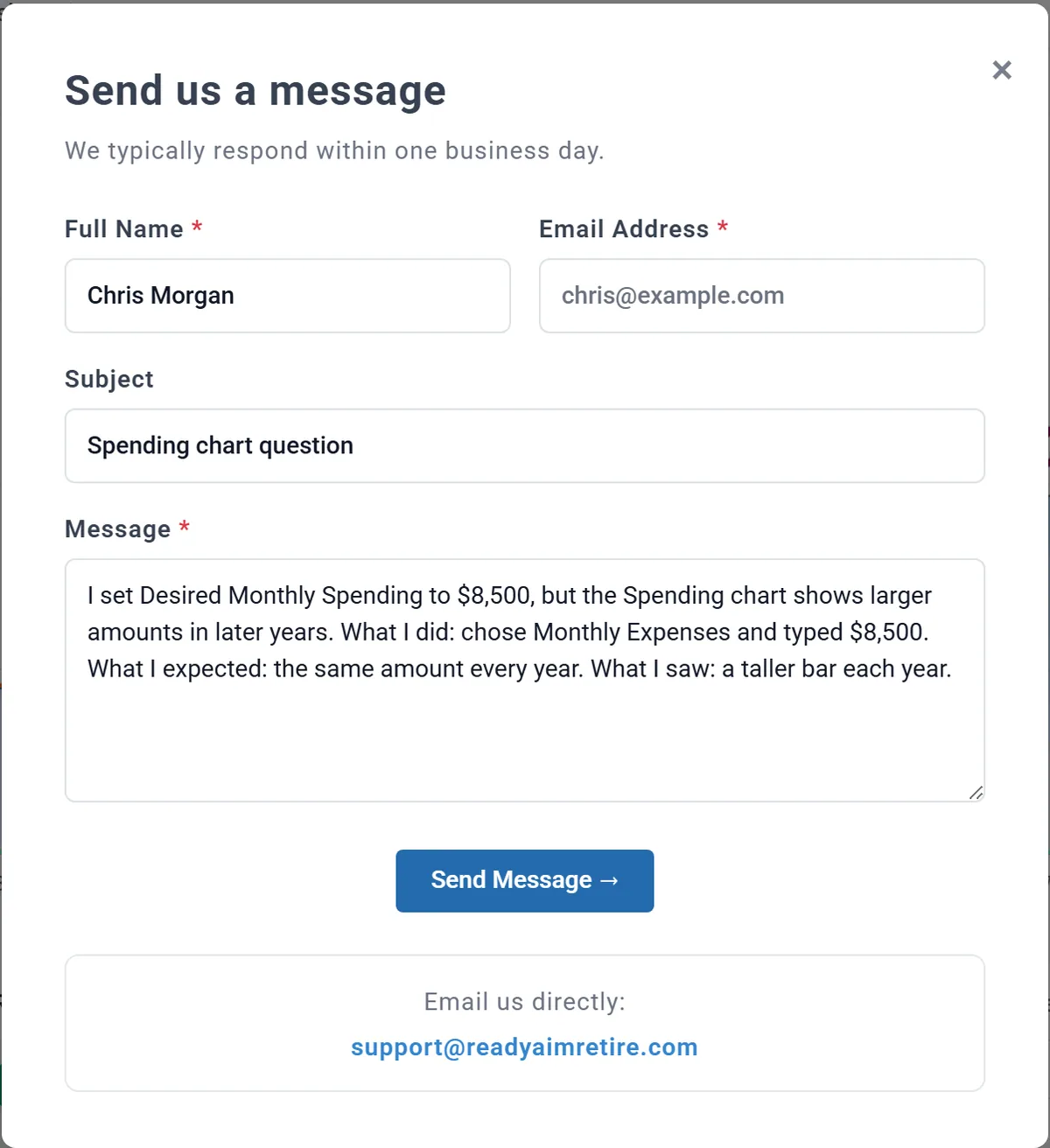
- A question, or something that looks wrong: choose Support at the bottom of the left menu. It opens Send us a message, and a person answers by email. It works without an account too. Tell us what you did, what you expected and what you saw. You can also email support@readyaimretire.com, the address under the form.
- In Privacy Mode your plan stays on your computer, so the form offers Download Plan Backup: attach the file to your reply if your question is about your plan.
- An idea for the planner: the Suggestion Box, also in the left menu.
- What changed lately: the Release Notes list what is new in each version.
- The ideas behind the numbers (required minimums, IRMAA, withdrawal rates and more): the Learning Library, inside the Summary tab.
Income
- Where do I enter my salary, or my spouse's?
- In Employment Income, one box for each of you, switched on in the Add box. Planner+ What you save from that pay is set in Retirement Contributions. Your salary
- Where does gig, consulting or self-employment income after I retire go?
- In Retirement Income 1 or Retirement Income 2. Tick This is self-employed income for freelance work, and choose your spouse under Who earns it for their work. Self-employment before you retire goes in Employment Income. Part-time, gig or consulting work
- My spouse's pension starts after they stop work. Where does it go?
- In Pension 1 (Spouse), with Start set to At spouse's retirement. Careful: At retirement, even in your spouse's box, means the Primary's retirement. A pension that starts after your spouse stops work
- Where does a bonus, stock pay or tax-free disability income go?
- In Other Income 1 or 2. Under Tax Treatment, choose Wages or bonus for a bonus or RSUs, or Tax-free for VA disability compensation. Social Security Disability (SSDI) goes in the Social Security box instead. A bonus or stock pay, Disability and other tax-free income
- I inherited an IRA. Where does it go?
- Add it on Accounts & Assets as an Inherited IRA or Inherited Roth IRA and fill in Original Owner Details. The plan then takes the withdrawals the rules require, taxed as income, with no 10% penalty. Planner+ An inherited IRA
- I already receive a pension or an annuity. What do I enter?
- For a pension, set Starting Age to the age it began and enter today's payment. For an annuity, choose Receiving under Where is this annuity today?, then enter the payment from your contract. A pension you already receive, An annuity you already receive
Spending
- Is my spending before or after tax? In today's dollars?
- After tax, and in today's dollars. Enter what you want to spend each month at today's prices: the planner adds the income tax, raises the amount with your plan's inflation, and in the US pays Medicare from 65. After tax, in today's dollars
- How much could I spend? When could I retire?
- Choose Compare retirement ages and spending amounts under Desired Monthly Spending. It shows the most you could spend each month at your retirement age and at the ages around it. How much can I spend?
- Are Portfolio Withdrawals on top of my other income?
- No. In the Retirement Year Detail they are one of the income rows: the plan withdraws only what your spending and its tax still need after your other income and cash. Reading one retirement year
- How do I use my budget instead of one monthly number?
- Build it on the Budget tab, then choose it in Use Budget in the Retirement Spending box, with Mode on Monthly Expenses. Planner+ A budget changes nothing until it is linked. Link your budget to your plan, The Budget tab
- How do I add a one-time cost, like a wedding or a new roof?
- Three tools can do it: a budget row for a few months, a milestone with Add an expense, or Extra Withdrawals. They differ mainly in whose age they use. One-time and occasional costs
- Where does long-term care go?
- A budget row (Long-term care (late life) is ready-made under Common expenses), or a milestone with Add an expense on either person's age. Avoid Extra Withdrawals for it: their ages are always the Primary's. Long-term care
- Does a budget row's End Age include that year?
- Yes. A row that ends at 70 is paid through the year you are 70, and stops the month before your 71st birthday. To stop when you turn 70, choose 69. When a row starts and stops
- Can my spending dip in the middle of retirement?
- Yes: switch on the Spending Smile in the Retirement Spending box and shape the curve. The Spending Smile
Where the money comes from
- Why is my cash spent first, and how do I keep it?
- It is the starting choice: cash above your minimum balances pays before your investments are touched. To keep an emergency fund, give the cash account a minimum balance; to hold all your cash back, choose Hold cash in reserve on the Withdrawal Planner (Advanced). When your cash gets spent, Keep a minimum in cash
- My required minimums are more than I spend. Where does the extra go?
- The minimum is still withdrawn and taxed, and what you do not spend lands in cash. You can choose to invest it in a brokerage account instead. Required minimums
- Can I see my withdrawal rate year by year?
- Yes: on the Dashboard, More > Withdrawal Rate. Planner+ The Retirement Spending box shows your first year's rate under the amount. Your withdrawal rate
- Can I take a set amount from one account?
- Yes, with Extra Withdrawals: pick that account as the Source Account. Take a set amount from one account
Health care and taxes
- Do I need to budget for Medicare premiums? US
- No. From 65 the planner charges Part B and Part D for each of you, and IRMAA when your income calls for it. Leave them out of your spending and your budget, or they are counted twice. A retiree plan you keep beside Medicare (FEHB, PSHB, TRICARE) can change which parts are charged: A retiree plan you keep with Medicare. Medicare: what the planner pays for you
- Why does my IRMAA stop after a few years? US
- The IRMAA tiers rise every year with your plan's inflation. If your income grows more slowly, the tiers pass it, and the surcharge stops. Higher incomes and IRMAA
- Where do I set my state? US
- In your profile, under Location, not in the Taxes box. A new plan starts with no state, so no state tax. Tax settings
- What happens to our taxes if one of us dies first?
- Give your spouse their own Plan End, and the plan models the years after the first death: that person's income stops, and in the US the survivor files as single from the following January (the "widow's penalty"). With the Plan Ends linked, no death is modeled. If one of you dies first
Reading the results
- Why is a number smaller than I typed? Why does my home lose value?
- Look at the dollars choice above the chart (in a narrower window, under Display). In Today's dollars, later amounts are shown as what they would buy today, so anything growing more slowly than inflation, such as a home at 1% a year, shrinks on the chart. Today's dollars and future dollars, Your home
- Why does "Age 73" run from September to August? Can I see calendar years?
- Each yearly bar is one year of age, from the Primary's birthday to the month before the next, and the first bar is usually short. For calendar years, choose By year above the chart (in a narrower window, under Display). Years run from birthday to birthday, By age or By year
- The Dashboard says my money lasts. Why is Chance of Success not 100%?
- They answer different questions. The Dashboard shows one projection at the returns you set; Chance of Success replays your plan through every starting year of market history and counts how often the money lasted. The projection and Chance of Success
- What will my heirs receive?
- The Estate tab shows what is left at the end of your plan, less the income tax your heirs would owe on pre-tax money and the costs of settling the estate. You can change those rates and name your beneficiaries. Planner+ The Estate tab
- Can I export the numbers to Excel?
- Yes: Export CSV on Charts & Data downloads the table under any chart. Planner+ Charts & Data
Plans and Chance of Success
- How do plans work? Why does a new plan show my accounts?
- What you own (accounts, your home, loans) is shared by every plan; what you plan to do (everything in the settings panel) belongs to each plan. So a new plan starts with your accounts, and changing a balance changes it everywhere. What belongs to you, and what belongs to a plan
- Can I compare two plans side by side?
- Yes: Compare Plans on My Plan & Budgets puts up to three plans next to each other. Planner+ Compare plans side by side
- Where are Spending Guardrails?
- In Advanced Settings on the Chance of Success tab, not in the Retirement Spending box. Spending Guardrails
- Can I test a 2008-style crash?
- Stress testing uses real market history rather than a made-up crash. On Chance of Success, pick a start year on the Portfolio sub-tab with Individual Year. Planner+ A long plan may not reach 2008 as a start year, but many of its trials live through it. Stress years